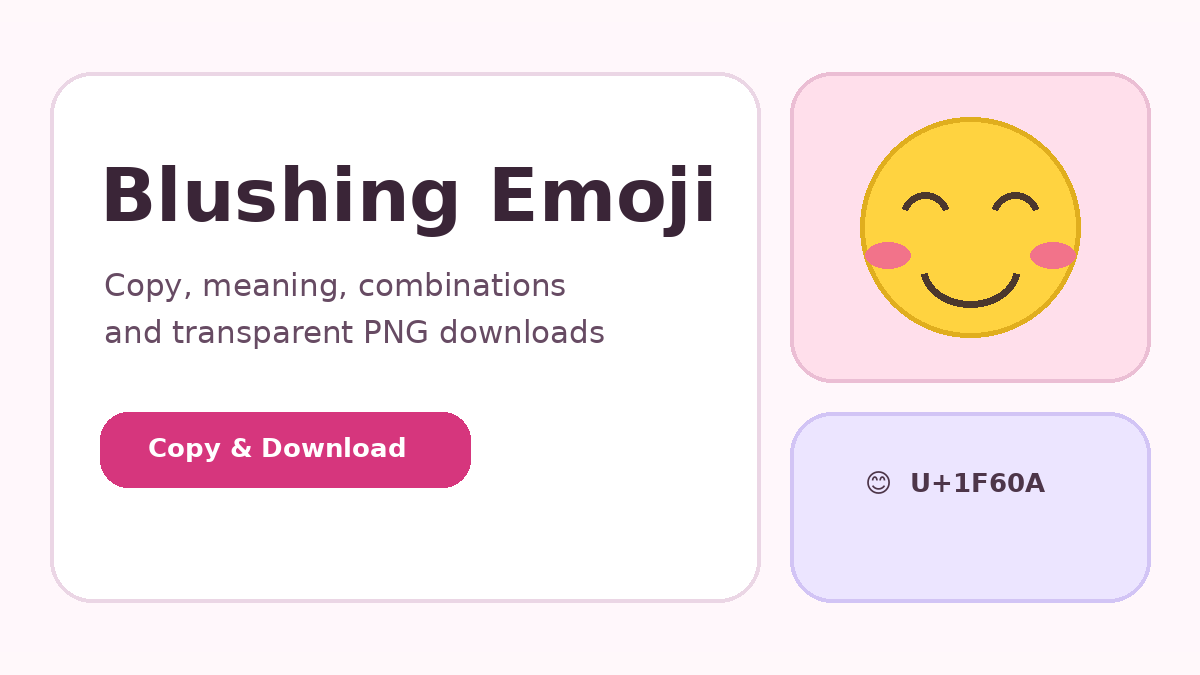
The Blushing Emoji is compact, but its tone and technical use change with words, relationships, platforms, and nearby symbols. This article explains the subject in practical terms so the character can be used clearly in messages, profiles, websites, and visual designs.
Typing on Windows
Press Windows key plus period to open the emoji panel. Search for “smile,” choose 😊, and it will be inserted at the active cursor. The shortcut works in many browsers, documents, messaging apps, and text fields. You can also copy the character from this website and paste it with Ctrl+V.
Typing on Mac
Press Control+Command+Space to open Character Viewer. Search for “smiling face” or browse the smileys category, then double-click 😊. Paste a copied emoji with Command+V. Character Viewer can remain open for repeated use when you are preparing captions or messages with several symbols.
Typing on iPhone and iPad
Tap the globe or emoji key on the software keyboard, open the smileys category, or use emoji search, then tap 😊. If the emoji keyboard is missing, add it through Settings under General, Keyboard, Keyboards, and Add New Keyboard. Copy and paste also works by pressing and holding in the destination field.
Typing on Android
Open the keyboard’s emoji panel, usually through a smiley icon near the spacebar. Search for smile or browse facial expressions, then tap the emoji. Gboard and many manufacturer keyboards support search. For copy and paste, use this site’s Copy action, press and hold in the app’s text field, and choose Paste.
Chromebook, Linux, and web apps
On Chromebook, right-click in a text field and choose Emoji when available, or use the on-screen keyboard. Linux methods vary by desktop environment, so copying the Unicode character is often simplest. WhatsApp Web, Instagram, email, and other browser apps generally support the operating-system picker and normal Ctrl+V or Command+V.
Typing with code values
Developers can place 😊 directly in a UTF-8 file or use 😊 and 😊 in HTML. The Unicode code point is U+1F60A. Databases should use Unicode-capable storage, and older MySQL configurations may require utf8mb4. Artwork can differ by system even though the underlying character remains identical.
Copy and download the emoji
Use the controls below to copy the Unicode character or create a transparent PNG directly in your browser. The PNG is generated with Canvas, uses the emoji font available on your device, and does not require a server or external image link.
Final takeaway
The most reliable approach is to match the emoji, words, platform, and audience. Keep decorative use readable, test technical values in the destination environment, and choose a simpler expression when precision matters more than emotional tone.