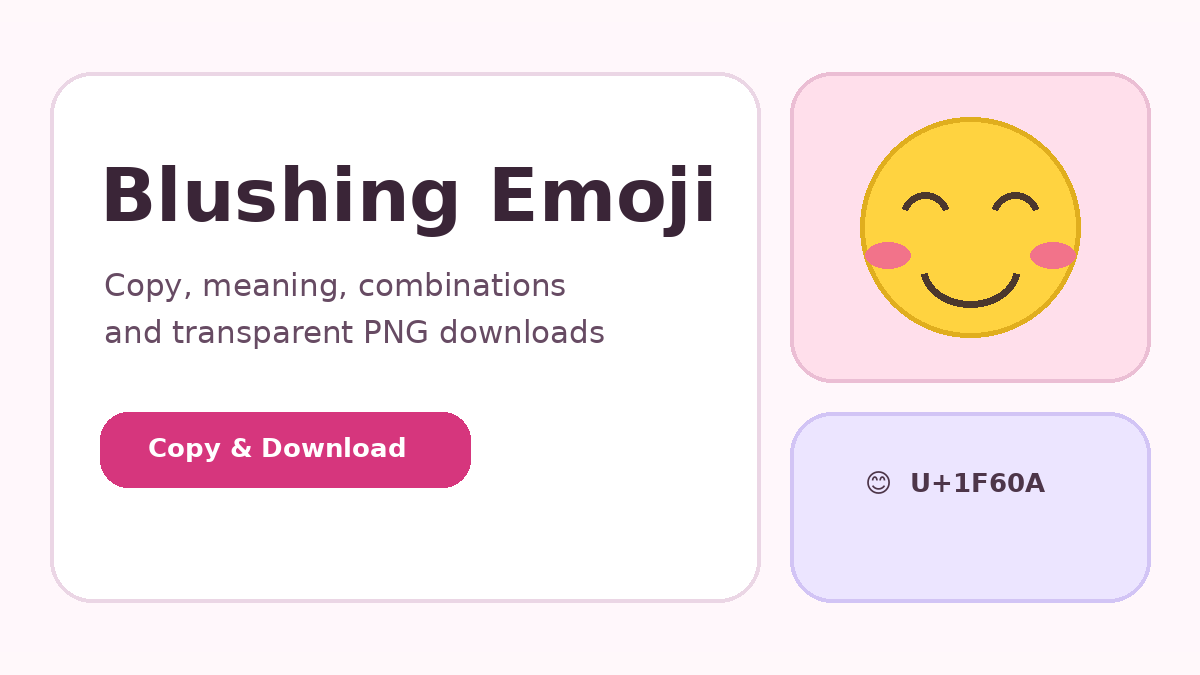
The Blushing Emoji is compact, but its tone and technical use change with words, relationships, platforms, and nearby symbols. This article explains the subject in practical terms so the character can be used clearly in messages, profiles, websites, and visual designs.
The fastest copy method
Use a Copy button beside any emoji card on this website. The Unicode character is placed on your clipboard, ready for a message, caption, email, document, bio, or comment. The project includes a fallback method for local file mode, where browser clipboard permissions can differ. After copying, place the cursor in the destination and use Ctrl+V on Windows or Command+V on Mac.
iPhone and iPad
On iOS and iPadOS, tap Copy, open the destination app, press and hold in the text field, and choose Paste. You can also switch to the emoji keyboard and search for a smiling face. When the character is inserted, the receiving app displays its own platform artwork. The visual design may change, but the underlying Unicode value stays U+1F60A.
Android phones and tablets
Tap the Copy action, move to WhatsApp, Instagram, Messages, Gmail, or another app, press and hold in the text field, and select Paste. Most Android keyboards also provide an emoji key and search box. The emoji has broad support, although an older device or unusual font may show a simpler design than a current phone.
Windows, Mac, and Chromebook
Windows users can paste with Ctrl+V and open the system emoji picker with Windows key plus period. Mac users paste with Command+V or open Character Viewer with Control+Command+Space. Chromebook users can paste with Ctrl+V and often access emojis through the context menu or on-screen keyboard. These methods work in browsers, documents, chat apps, and many design tools.
HTML entities and shortcodes
Web developers can use the decimal entity 😊, the hexadecimal entity 😊, or the literal 😊 character in a UTF-8 document. A common shortcode is :blush:, but shortcode conversion depends on the app. The actual Unicode character is more portable when you do not know whether the destination supports shortcode names.
Troubleshooting copy problems
When paste produces nothing, confirm that the field accepts text and that clipboard access is not blocked. Try the Copy button again or manually select the visible character. If the emoji appears as an empty square, update the operating system or use software with modern emoji-font support. The copied data can still be correct even when the current font cannot draw it.
Copy and download the emoji
Use the controls below to copy the Unicode character or create a transparent PNG directly in your browser. The PNG is generated with Canvas, uses the emoji font available on your device, and does not require a server or external image link.
Final takeaway
The most reliable approach is to match the emoji, words, platform, and audience. Keep decorative use readable, test technical values in the destination environment, and choose a simpler expression when precision matters more than emotional tone.